Tune 4 Me v1.2.0
Tune 4 Me packs essential WordPress performance optimizations and security hardening into a 40 KB plugin. Every tweak has its own independent switch with a clear explanation and can be undone anytime.
- Strips WP emoji scripts/styles and oEmbed discovery bloat from every page
- Disables front-end Heartbeat API and throttles dashboard Heartbeat to 60s
- Prioritizes the first image for faster LCP and lazy-loads remaining images + caps post revisions at 10
- Sends enterprise HTTP security headers (HSTS, X-Content-Type-Options: nosniff, X-Frame-Options, Referrer & Permissions-Policy)
- Disables XML-RPC, blocks username enumeration, locks out IPs after 5 failed logins, and disables dashboard file editors
Screenshots
See Tune 4 Me in action
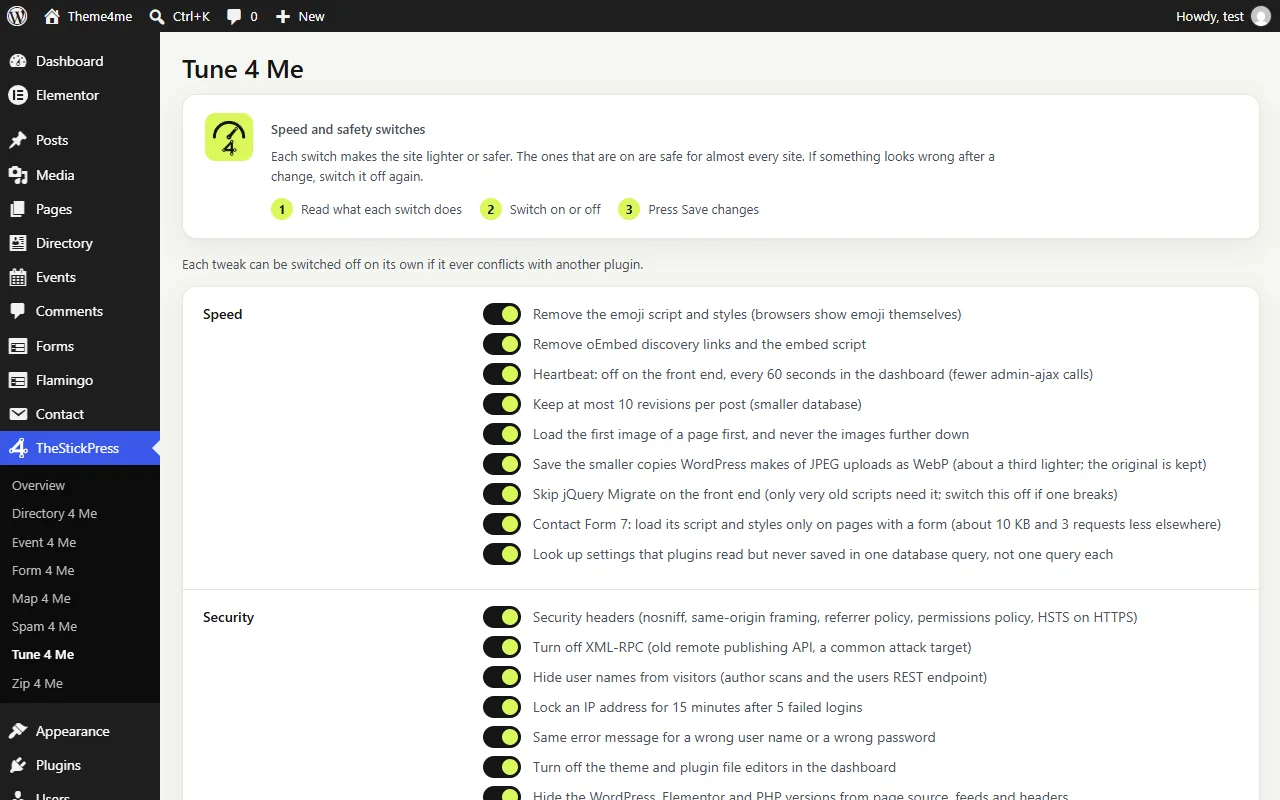
Speed switches, each with a plain explanation.
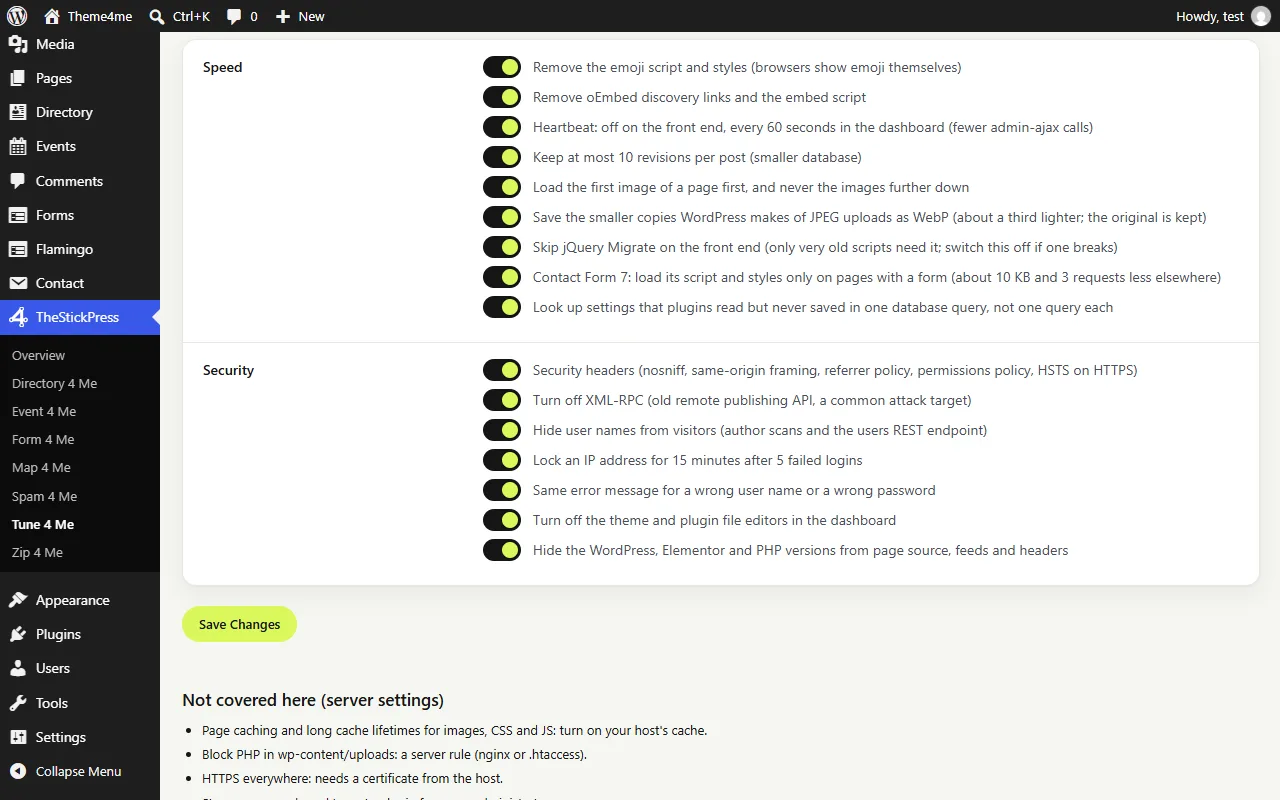
Security switches.
Features
Key Features of Tune 4 Me
Front-End Asset Cleanup
Removes unused wp-emoji scripts, oEmbed JS, and loads Contact Form 7 assets only on pages that actually contain a form.
LCP Image Priority & Revision Cap
Loads the hero/first image eagerly for top Largest Contentful Paint scores while lazy-loading below-the-fold media and capping post revisions.
Enterprise HTTP Security Headers
Outputs nosniff, same-origin framing, strict referrer policy, permissions policy, and HSTS on HTTPS connections.
Login Brute-Force Protection
Locks an offending IP for 15 minutes after 5 failed login attempts and normalizes login error messages so attackers cannot guess usernames.
REST & Author Scan Hardening
Blocks ?author=N scans, restricts anonymous /wp-json/wp/v2/users enumeration, disables XML-RPC, and hides the WordPress version.
100% Reversible Switches
No .htaccess rewrites that lock you out. Every optimization is controlled by a clean toggle in TheStickPress > Tune 4 Me.
How to Install Tune 4 Me
- Click Download tune4me.zip (40.8 KB) above to save the release archive.
- In your WordPress admin dashboard, open Plugins > Add New > Upload Plugin.
- Select
tune4me.zip, click Install Now, and Activate. - Open TheStickPress > Tune 4 Me in the admin menu to configure settings.
Changelog
- 1.2.0: Refreshed admin dashboard design, intro cards, and unsaved changes bar.
- 1.1.0: Conditional Contact Form 7 script/style loading and shared TheStickPress menu.
- 1.0.0: Initial release.
Updates
Keep Tune 4 Me up to date
Update in four steps
- Download the latest ZIP from this page. The current version is 1.2.0.
- In WordPress open Plugins > Add New > Upload Plugin.
- Choose the ZIP and click Install Now.
- Choose "Replace current with uploaded". Your settings and content are kept.
What changed?
The changelog above lists every release. Back up before major updates, and test on a copy of your site if it is busy.
- Zip 4 Me makes a one click backup first
- Automatic updates are planned
Support
Request support for Tune 4 Me
Tell us what you need and we will reply as soon as possible.
Works well with
Pair it with
FAQ
Frequently Asked Questions
Can Tune 4 Me break my theme or page builder?
No. Every switch targets safe core WordPress overhead, and any individual switch can be toggled off with one click.
Does it modify .htaccess or wp-config.php files?
No. All switches run cleanly through native WordPress hooks and options.